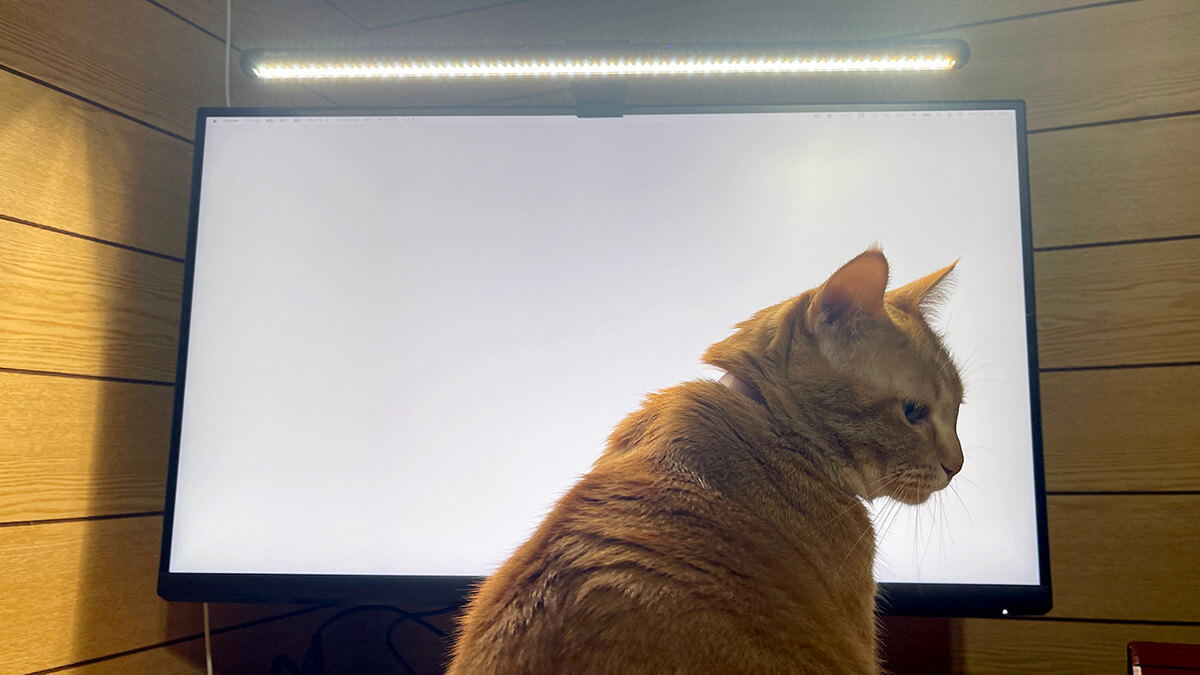
Adding monitors solved a screen-space problem and created a lighting one I had not anticipated.
Working at night, the room light was not reaching the desk properly. The screens were bright, the keyboard and anything on paper were dim, and my eyes were doing the work of bridging that gap for hours. By the end of an evening they stung.
A monitor light bar fixes this by adding light where the screen is not, without adding glare to the screen or a lamp to the desk. Here is what it actually did.
Originally published in Japanese on April 4, 2025. This English version was written in September 2026.
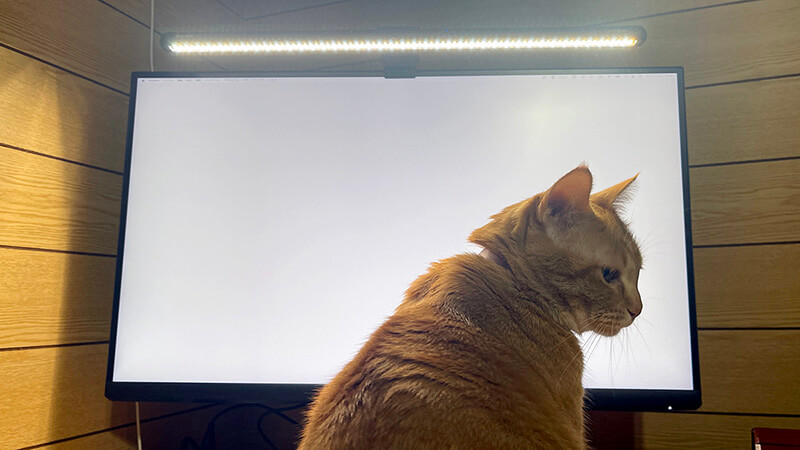
The product has been renamed since I bought it
I bought this as the Quntis ScreenLinear Pro Max. That name has been retired. As of September 7, 2026 the same product page sells it as the Monitor Light Bar Focus 52 cm (20.5 inch), LED ScreenLinear Basic Plus, variant code F52BK. Quntis prices in USD, but the figure varies by shipping country: $46.99 to the US, $51.99 to the UK, $55.99 to Japan, checked September 2026. The old name survives in the product URL and in the first line of the description, which still reads “ScreenLinear Pro Max Computer Monitor Light Fit for 22-29” Monitor”. Prices on this store change often, so treat the figure as a reading taken on that date.
Worth knowing if you go looking for the old name and find nothing, or find a review of what appears to be a different product. “Pro Max” was never a Japan-specific label — it was Quntis’s own former marketing name, used on the US site too. Quntis sells globally from quntis.com, priced in USD.
Why a light bar rather than a desk lamp
Two things a normal desk lamp cannot do.
It occupies no desk space. It clips onto the top edge of the monitor, so the surface you freed up by putting screens on an arm stays free. A lamp needs a base, and the base goes exactly where you want to work.
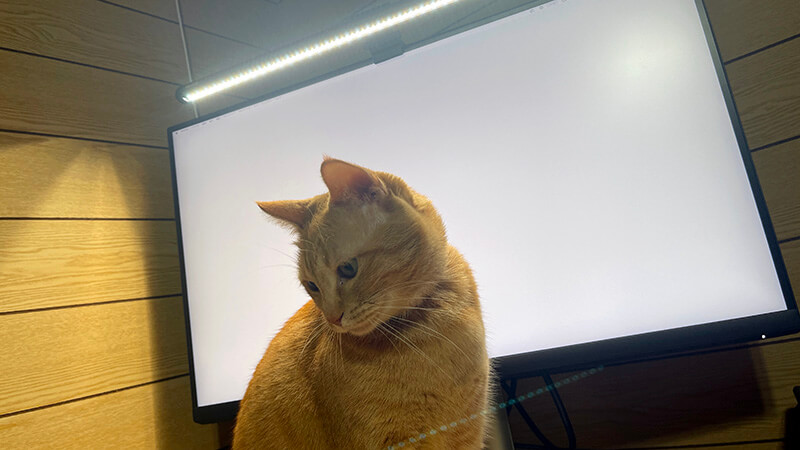
It does not reflect off the screen. This is the actual engineering. The optics are asymmetric — light is thrown forward and down onto the desk at roughly 45°, with effectively nothing going backwards onto the panel. With a conventional lamp there is always an angle where it reflects into the display, and it is a low-grade irritation you stop consciously noticing while still being bothered by it.
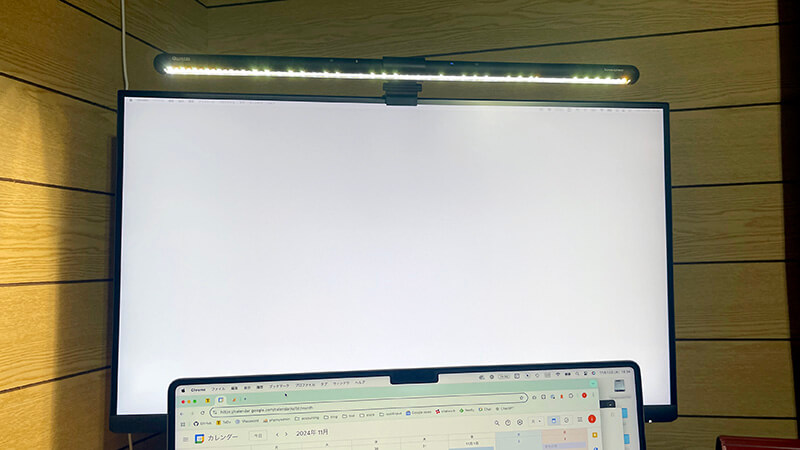
In my setup, screen reflection is essentially nil, and the tilt is adjustable if the pool of light is landing in the wrong place.
Fitting it
In the box: the bar, a USB-C cable, a mounting adapter, instructions. It hangs on the top edge of the monitor with a counterweighted clip — no screws, no adhesive, and it holds securely.
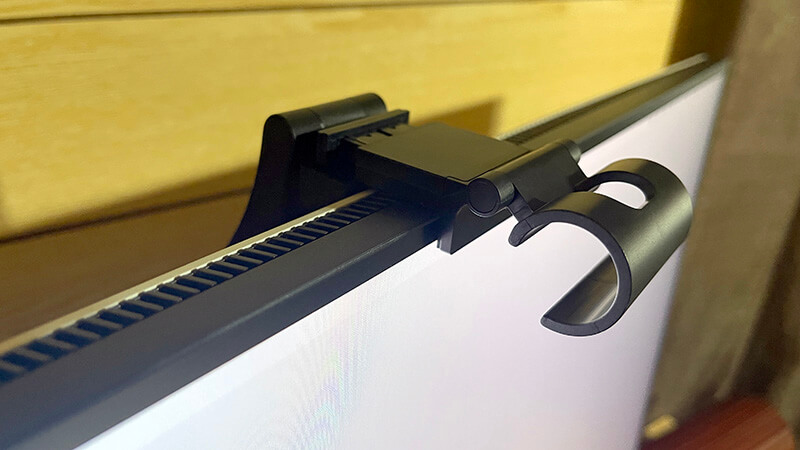
Compatibility is the thing to check, and the constraints are more specific than most listings make obvious:
- Monitors 22–29 inches — a 52 cm bar on a 32-inch screen looks and lights wrong
- Panel thickness 15–36 mm at the top edge (0.6–1.4 in), with two clip covers supplied
- Not for curved monitors, and not for laptops — the clip geometry assumes a flat top edge, and a laptop lid will not take the weight
Measure the top bezel thickness before ordering. It is the specification people skip and the one that causes returns.
Living with it
The gap closes
The core effect is not “the desk is brighter”. It is that the difference between the screen and everything around it gets smaller.
Working at night with only a ceiling light, the screen reads as glaring — not because it is too bright in absolute terms, but because it is the only bright thing in view, and your pupils keep adjusting between it and the dark surroundings. Adding light to the surroundings rather than dimming the screen removes that. The screen stops floating in the dark.
It also makes paper usable again. If you read printed material or take handwritten notes alongside screen work, this is a bigger improvement than it sounds.
Color temperature and brightness
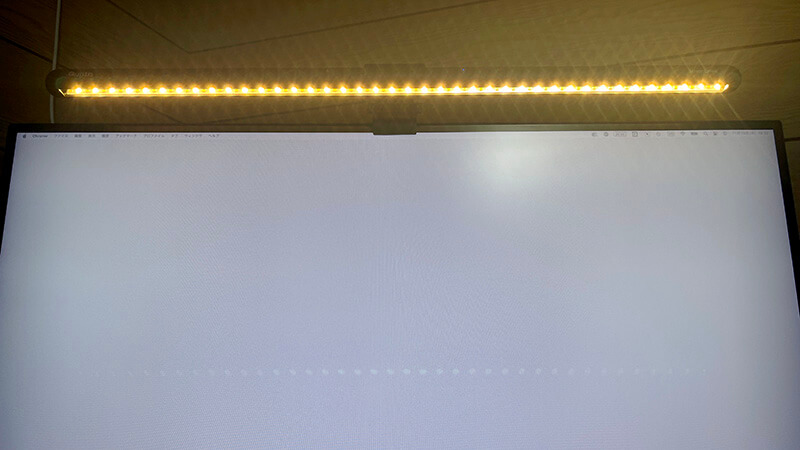
Stepless adjustment from 3000K to 6500K, and stepless brightness — not fixed presets, which matters more than it sounds when you are trying to match room lighting that changes through the day. Cooler and brighter for daytime work, warmer and lower in the evening.
There is an ambient light sensor for automatic dimming. It works. I mostly do not use it — I found a setting I like and prefer it to stay there, because a light level that keeps subtly changing is its own small distraction. Useful if your room brightness varies a lot; otherwise set it once.
Color rendering is quoted as CRI 95 on the current product page, though the same page’s marketing images cite anywhere from Ra90 to Ra98, so treat the exact figure loosely. Either way it is well above what a cheap LED strip manages, and it is the reason paper looks normal under it rather than sickly.
USB-C power
It runs from USB-C, so it can be fed from a laptop port, a charger, or — what I do — a downstream USB port on the back of the monitor it sits on. That last option means the lamp adds no cable to the desk at all. It draws power from the screen it is clipped to. For a device whose entire premise is not cluttering the workspace, that closes the loop neatly.
Touch controls, and the remote question
The one real limitation of my unit: controls are touch-sensitive pads on the bar itself, which means reaching over the top of the monitor every time you adjust it.
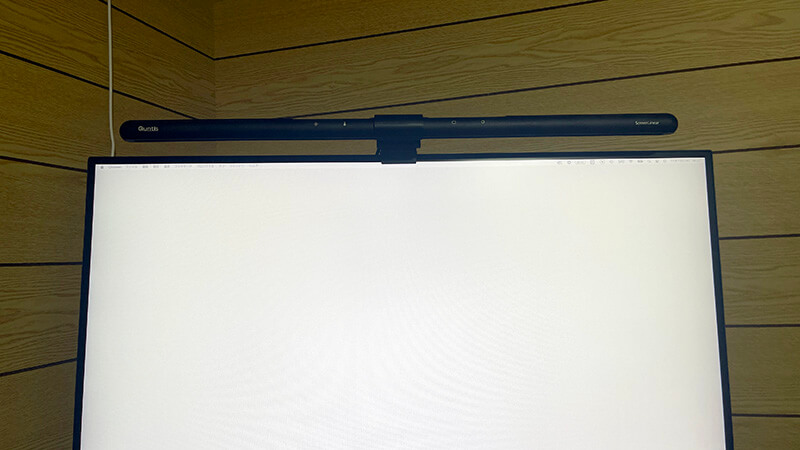
I knew that when I bought it and it has not bothered me, because I set the brightness once and rarely touch it. If you expect to adjust the light through the day, get a remote version. Note that this is not the same lamp plus a remote. The current remote model is the Monitor Light Bar Focus 51 cm PRO+ with Remote Control ($69.99 to the US, $92.99 to Japan, as of September 2026): a centimeter shorter, rated at 1200 lux or more, with a rotary wireless remote in place of the touch pads and a two-hour auto-off timer. It also clips to a far wider range of panel thicknesses — 3 to 60 mm against my unit’s 15 to 36 — and, unlike mine, it is rated for curved monitors. Different product, higher price.
Worth it
Two things justify it on their own: the desk is properly lit at night, and nothing reflects off the screen. Both fix the kind of small daily friction you stop noticing but keep paying for.
At well under a hundred dollars it is also the cheapest component in this room by a wide margin, and I would rank it above several more expensive ones for effect per unit of money.
Lighting tends to be the last thing people address when building a desk setup, after the desk, the screens and the chair. If you work in the evening, it should probably not be last. The screens are only half the light in the room, and the other half is the half you are asking your eyes to compensate for.